Getting Started
Onboarding a client
Add a brand, create projects, and capture the positioning the AI steers by.
Customers and projects
Steerport organizes work in two layers:
- A Customer is a brand or client you run.
- A Project is a single app or website under that customer — the thing you're actually driving traffic and revenue to.
A customer can have several projects (for example a marketing site and a mobile app), and each project carries its own integrations, campaigns, and analytics.
Add the customer
From the command center, open Customers and create a new one. Give it a name and the basics of who they are. This becomes the container for everything that follows.
Edit or remove a customer
Open a customer and click Edit to update its details at any time — name, status (onboarding, active, paused, churned), industry, monthly budget, website, contact, and notes.
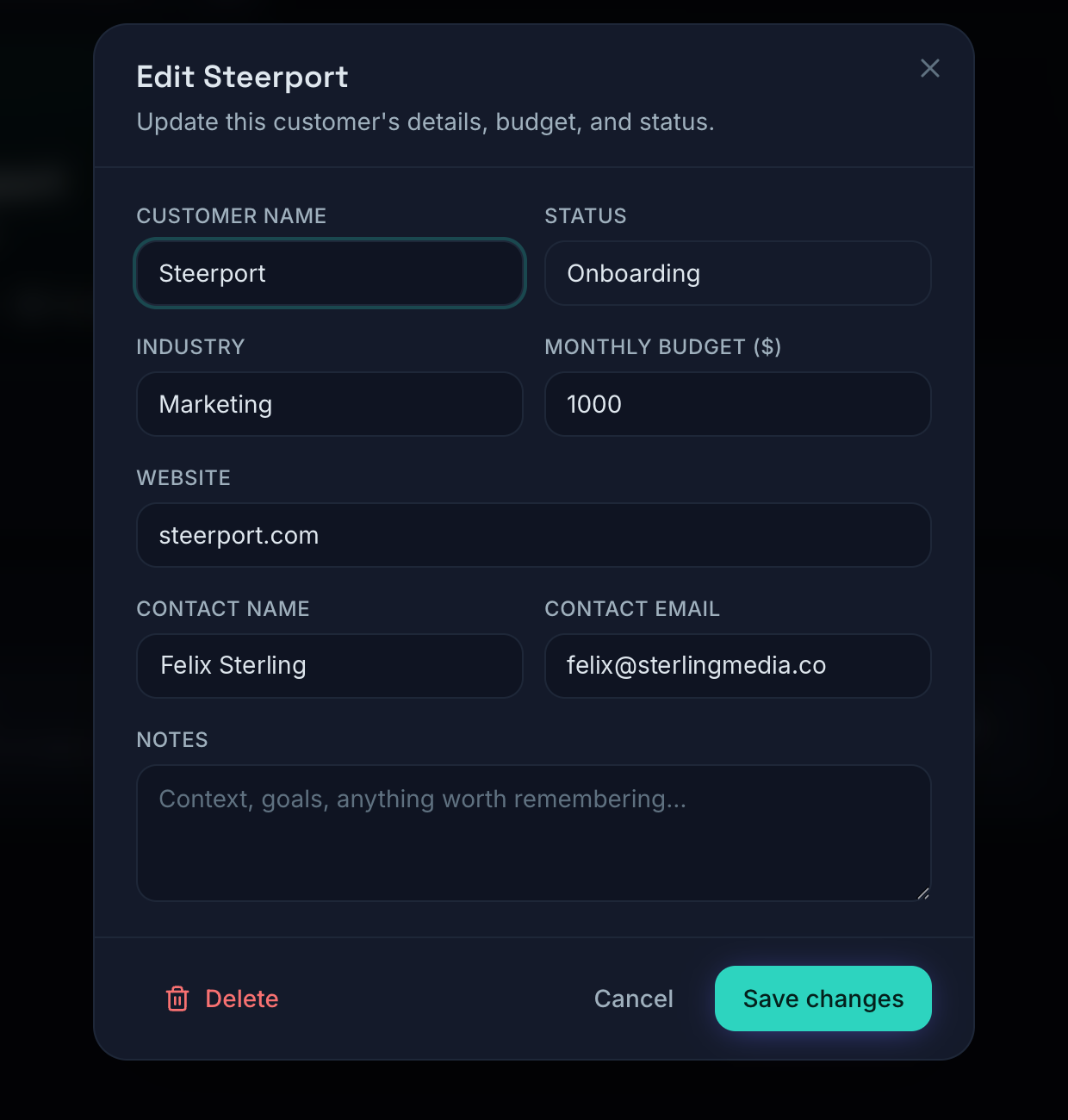
The same dialog has a Delete option; deleting a customer also removes its projects along with their campaigns, content, and analytics, so you're asked to confirm first. Campaigns work the same way — open a campaign and Edit to change its name, objective, status, budget, or brief.
Capture the positioning
This is the step that makes the AI useful. As you set up the customer and its projects, fill in:
- Positioning — what the brand sells and why it wins.
- Audience — who you're trying to reach.
- Brand voice — the tone every piece of generated copy should match.
Steerport stores this as the brand's working memory. Everything the Creative Lab, AI Studio, and autonomous agents produce is grounded in it, so the more honest and specific you are here, the sharper the output.
Create projects
Add a project for each app or site. You'll connect ad accounts to projects (not the customer as a whole), which keeps spend and performance attributed correctly when a brand runs more than one property.
Each project page also gives you on-demand AI: Research (grounded in the project's live site), Recommend, and Generate copy — the same engines the autonomous agents run on a schedule, available whenever you want a pass right now.
Next
- Wire up channels: Connect Meta & Google.
- Start producing creative: Creative Lab.
Note: On the Free plan you can run one workspace with one client. To onboard unlimited clients and projects, see Plans & billing.