Features
AI Studio
A streaming AI workspace for drafting, refining, and thinking through campaigns.
Free-form AI, grounded in your brand
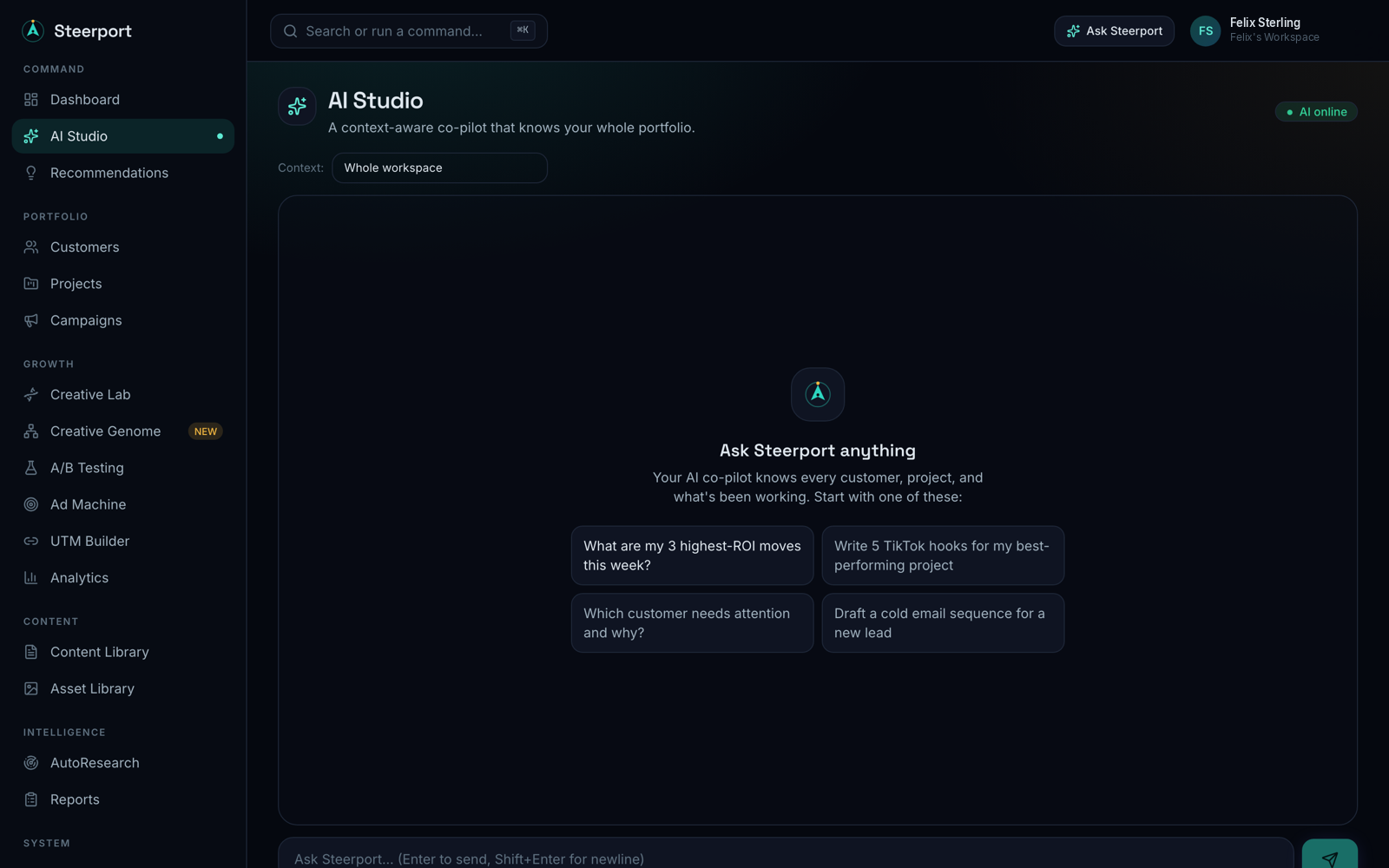
The AI Studio is the open-ended workspace next to the structured Creative Lab. Where the Lab generates a fixed matrix, the Studio is a streaming chat you can steer — draft copy, brainstorm angles, rework a hook, or reason through a campaign decision, with responses streaming in as they're generated.
Like everything in Steerport, it's grounded in the brand's working memory from onboarding, so the drafts sound like the brand rather than a generic assistant.
What you can do with it
- Draft and rewrite ad copy, captions, and landing-page lines.
- Explore angles before committing them to a full matrix in the Creative Lab.
- Ask for variations on a hook that's already working.
- Pressure-test an idea against the brand's audience and positioning.
How to use it
Open Studio from the command center, choose the project you're working on so the AI has the right brand context, and start the conversation. Responses stream live, so you can read and redirect as it goes instead of waiting for a wall of text.
Studio vs. Creative Lab
Use the Studio when you want a conversation and full control over direction. Use the [Creative Lab](/docs/creative-lab) when you want breadth fast — a structured spread of concepts, angles, and hooks to test. They share the same brand grounding, so ideas move cleanly between them.
Note: AI features are available on every plan, including Free. Higher plans unlock the Creative Genome and autonomous agents that make the AI compound — see Plans & billing.